Social messaging · 4–7 min
Connect Instagram
Connect an Instagram professional account so your team can manage Instagram conversations in Flex54.
Before you start
Have these ready
- An Instagram professional account (Business or Creator).
- The username and password for the account you want to connect.
- Pop-ups enabled for this setup session.
Step-by-step
Follow these steps
- 01
Open Instagram in Channels
Find the Instagram card and click Connect.
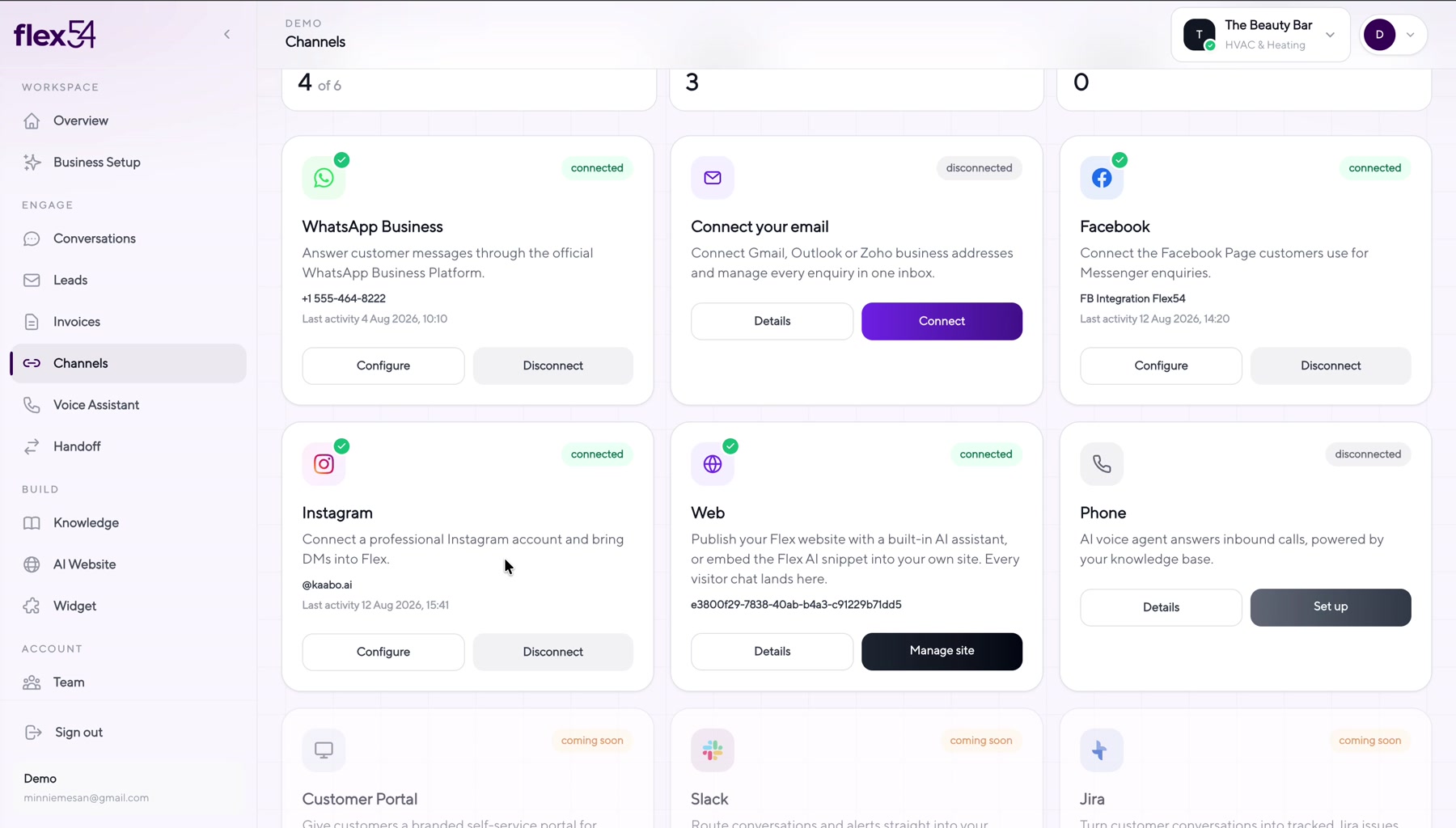
Example screen. Account names may differ in your workspace. - 02
Start the Instagram connection
Flex54 opens the Instagram authorization flow in a new window.
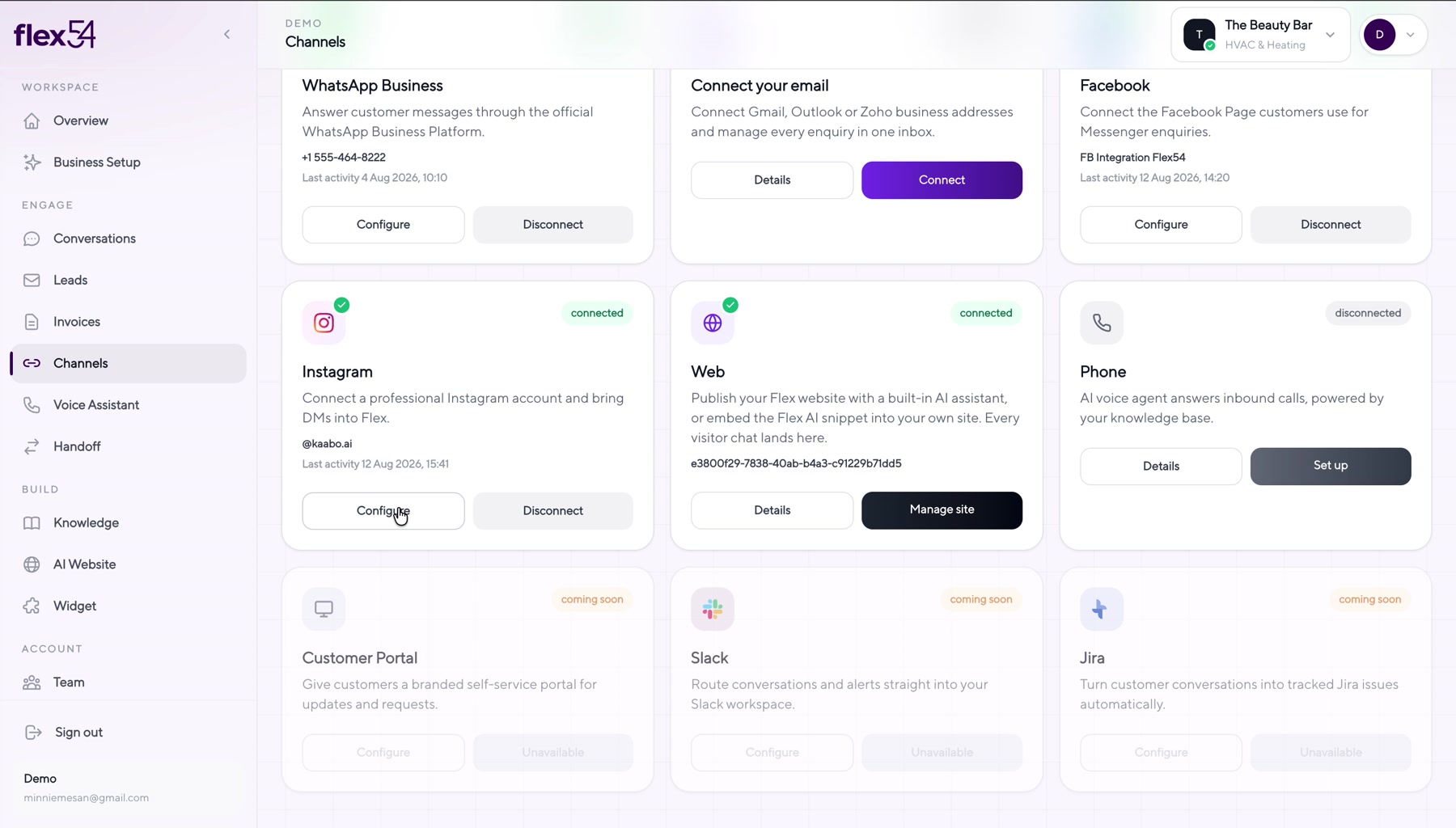
Example screen. Account names may differ in your workspace. - 03
Switch to a professional account if asked
A professional account is required for messaging access.
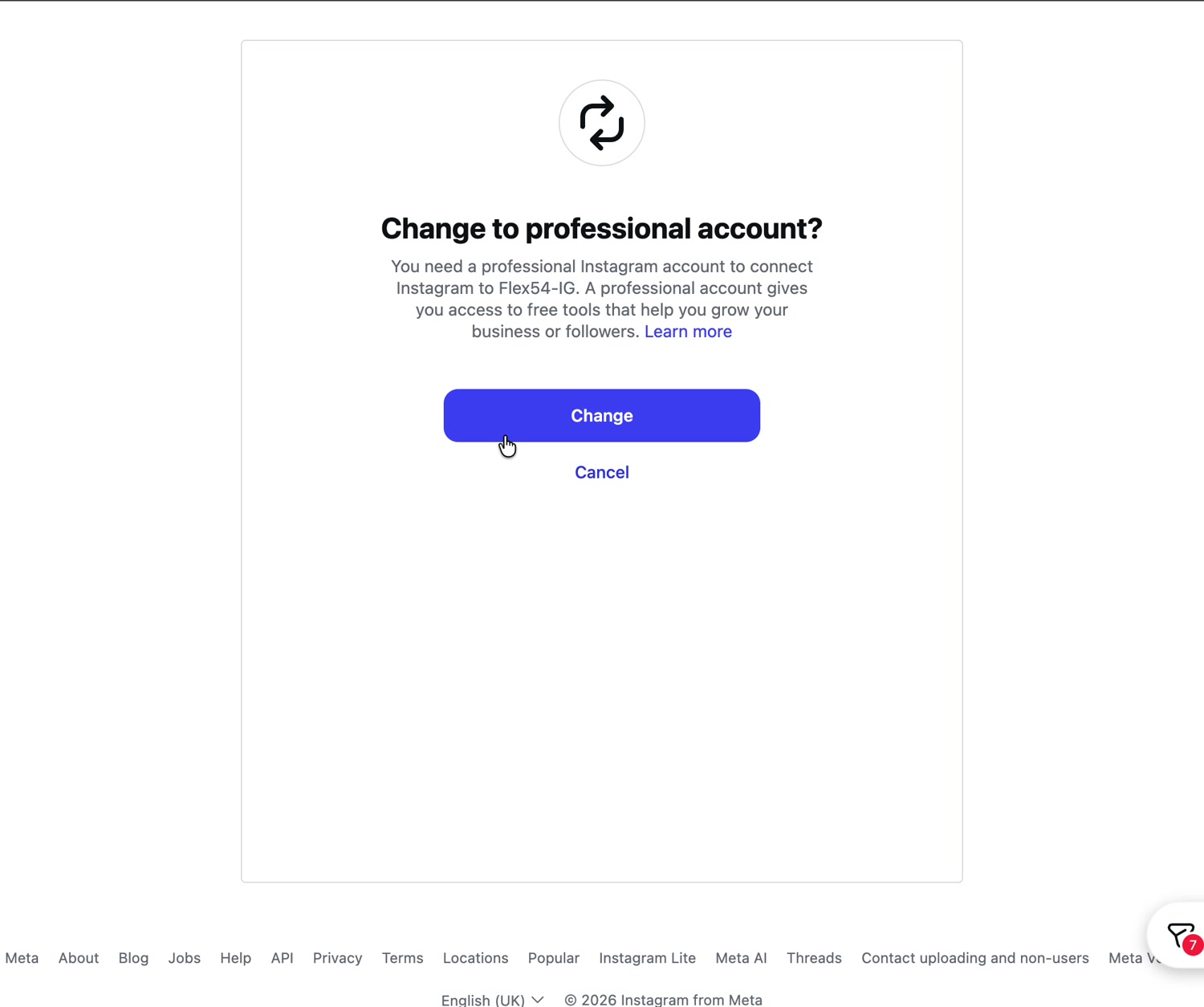
Example screen. Account names may differ in your workspace. - 04
Choose the professional account type
Select Business or Creator, then click Next.
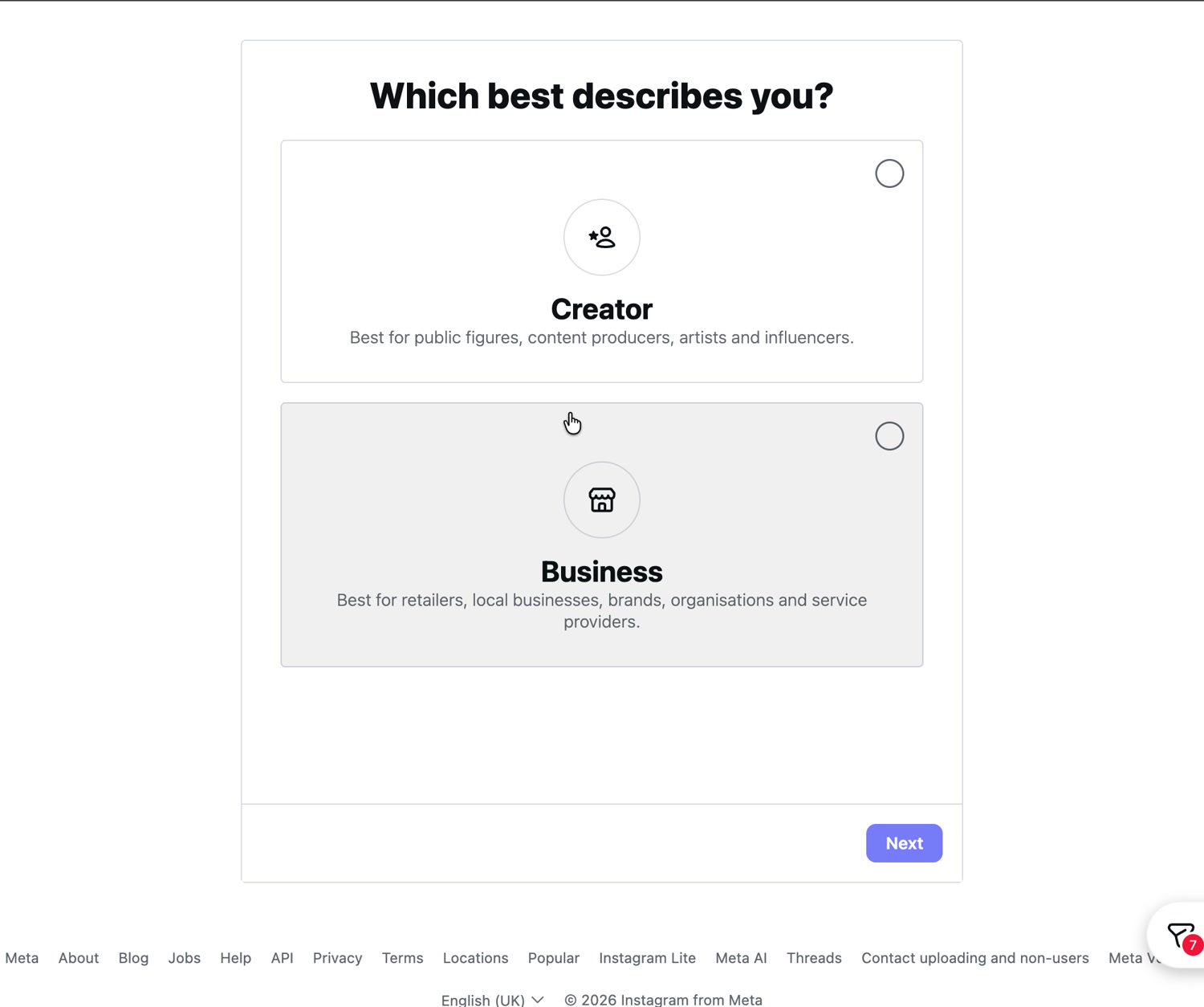
Example screen. Account names may differ in your workspace. - 05
Sign in to the correct Instagram account
Enter credentials for the account your team will manage.
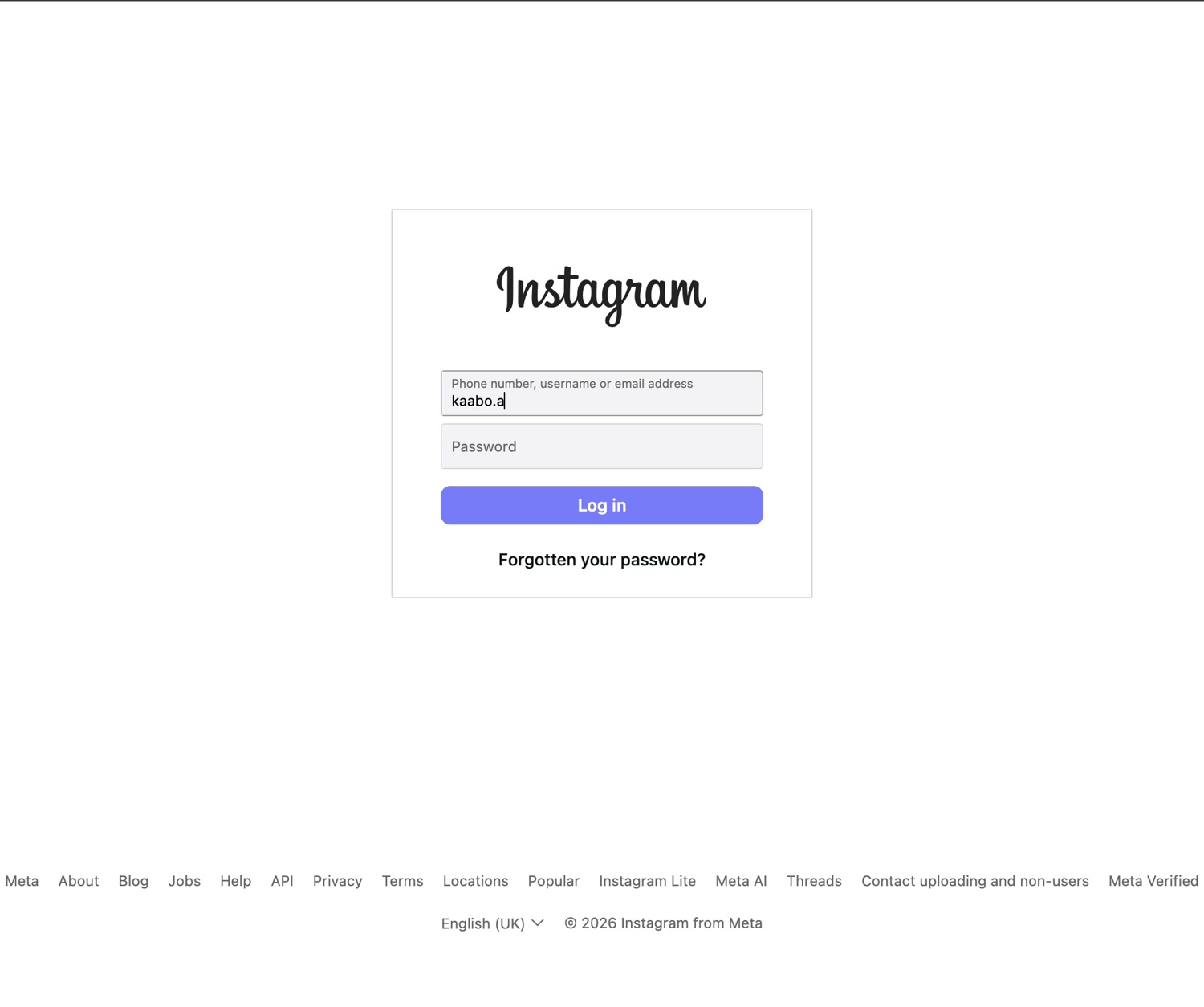
Example screen. Account names may differ in your workspace. - 06
Allow information sharing
Review permissions and click Allow.
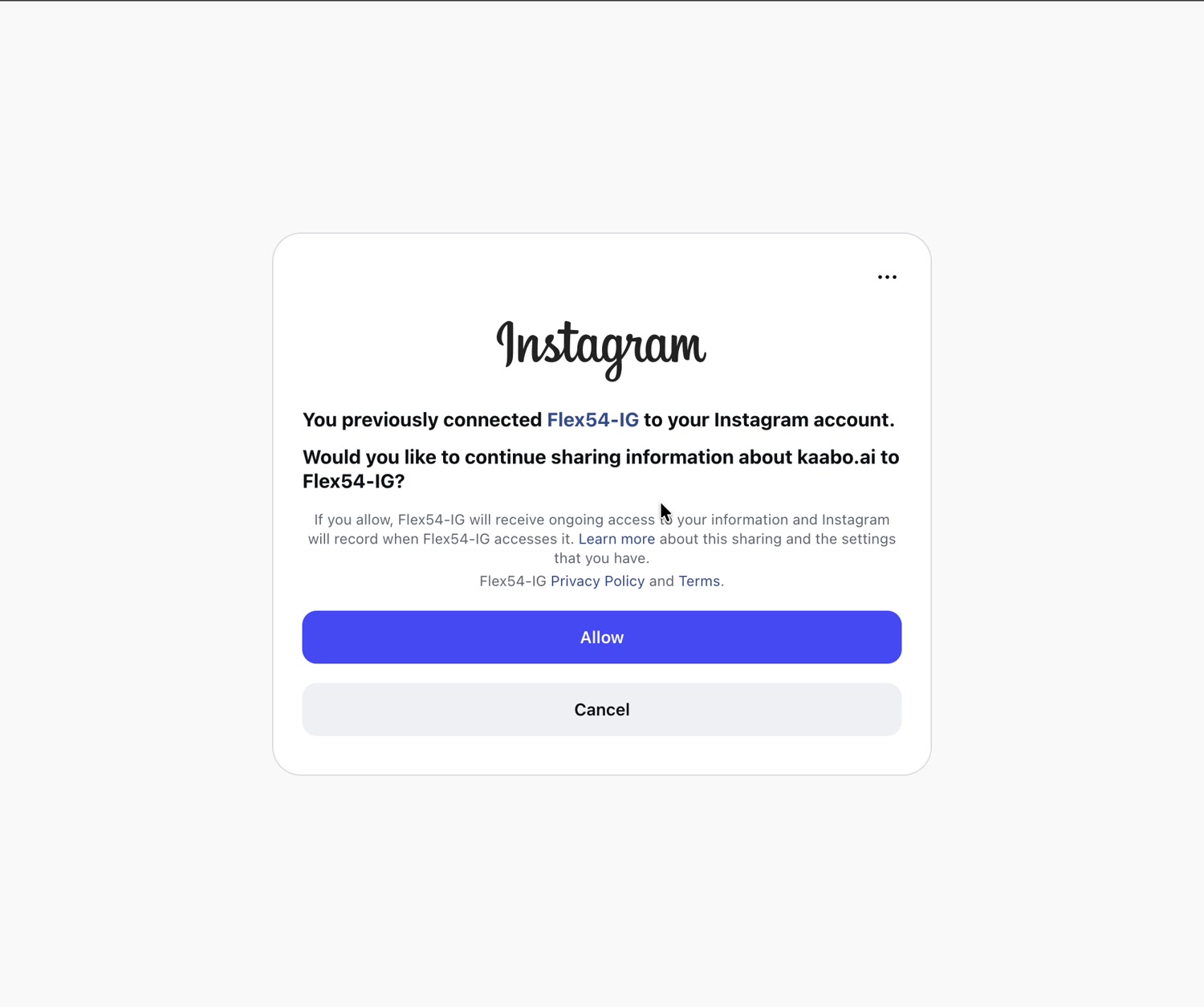
Example screen. Account names may differ in your workspace. - 07
Confirm the connection
Instagram returns you to Flex54. The Instagram card should show as connected.
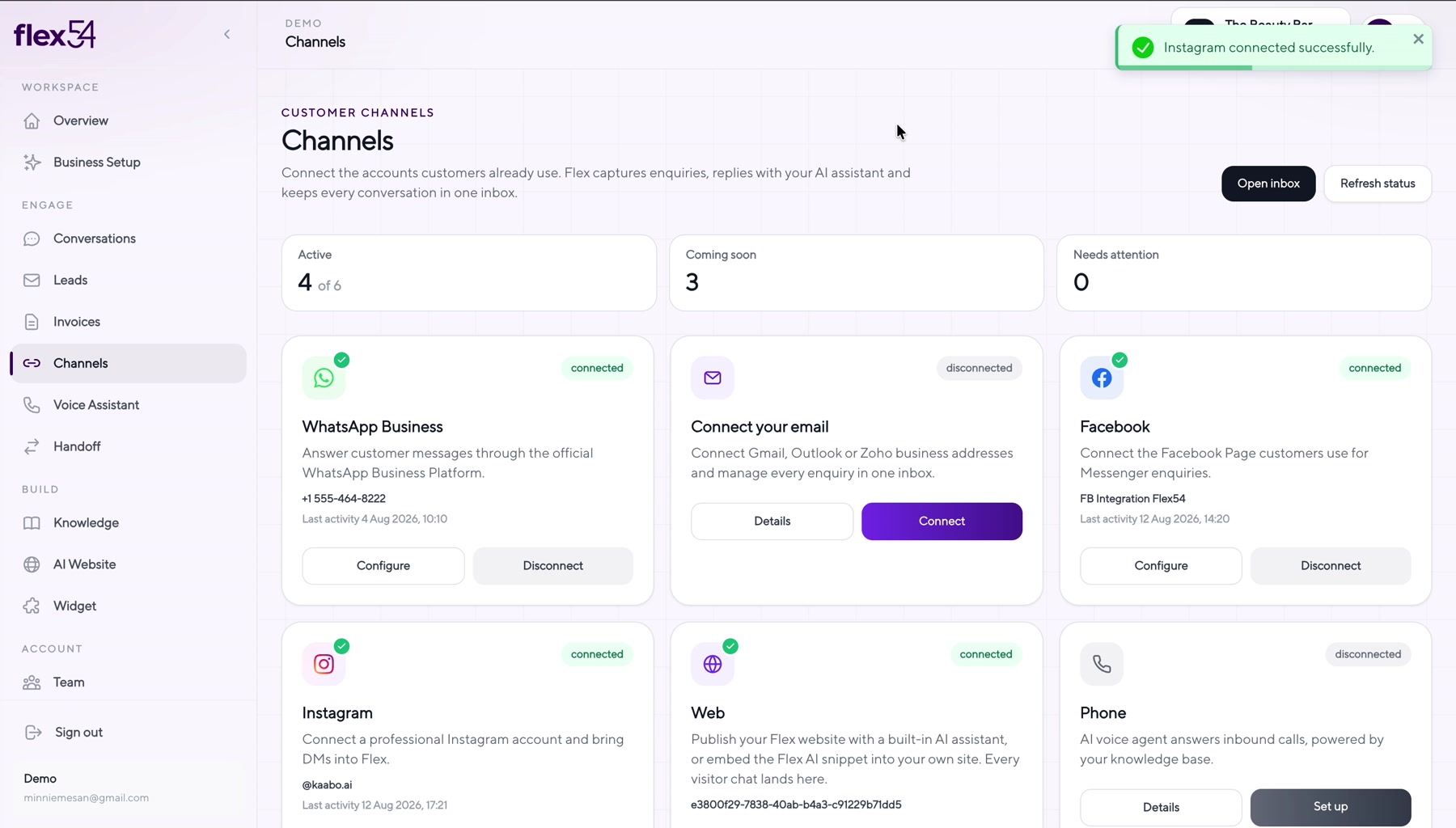
Example screen. Account names may differ in your workspace. - 08
Test an Instagram conversation
DM the account from another profile and reply from Flex54.
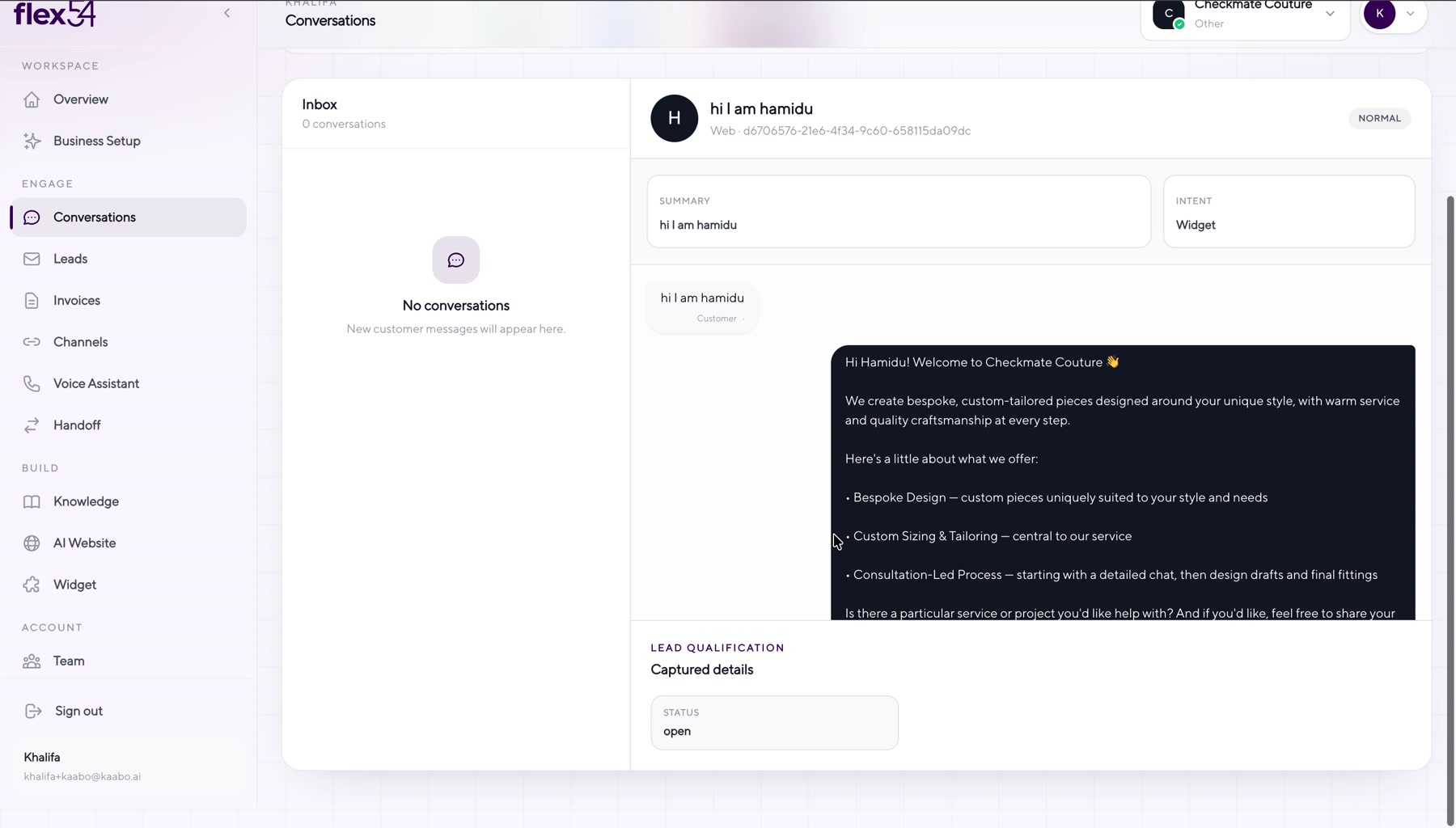
Example screen. Account names may differ in your workspace.
Connection complete
Confirm everything works
- Instagram shows Connected in Channels.
- A test direct message appears in Conversations.
- A reply from Flex54 reaches Instagram.
Troubleshooting
If something doesn't work
Instagram asks you to switch account type
Complete the switch to a professional account, then restart the connection.
Invalid redirect_uri
This usually means the OAuth callback URL is not registered in Meta. Contact support if the error persists after retrying.